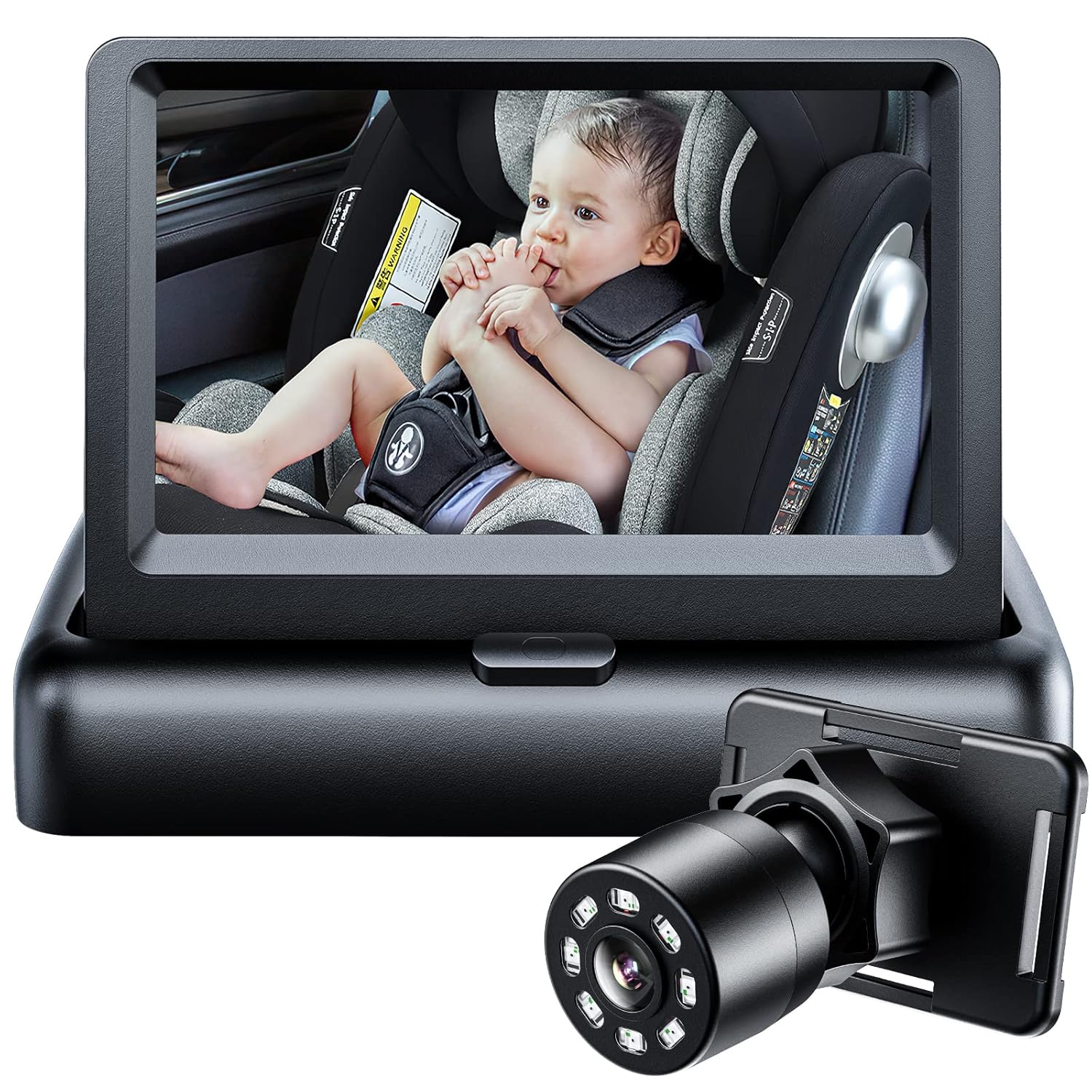
Itomoro Baby Car Mirror: Eyes on Baby, Eyes on Road
Stop twisting around to check on your little one. The Itomoro Baby Car Mirror gives you a crystal-clear view of your rear-facing infant -day or night -so you can drive with total peace of mind.
4.5+ Stars | 50,000+ Happy Parents | Easy Install
Why Parents Choose the Itomoro Baby Car Mirror
Itomoro delivers night vision clarity, 360° adjustable view, 2-minute installation for a premium experience that stands out from the competition.
Night Vision Clarity
Built-in night vision lets you see your baby clearly on dark drives. No more guessing if they're asleep or fussy -you'll know at a glance.
360° Adjustable View
Rotate and tilt the mirror to find the perfect angle for any rear-facing car seat. Works in sedans, SUVs, and minivans without fiddling.
2-Minute Installation
Straps securely to your headrest with no tools needed. Stays put over bumps and turns so you always have a stable, vibration-free view.
Itomoro: Set Up in Under 2 Minutes
Your Itomoro Baby Car Mirror installs without tools. Here's how to get a clear view fast.
Strap It On
Loop the adjustable double-strap mount around your rear headrest. The buckle locks tight to any headrest post size, so it won't slip or vibrate loose on bumpy roads.
Angle the Mirror
Use the 360-degree pivot ball joint to tilt and rotate the mirror until your baby's face fills the frame. The joint holds its position without drifting over time.
Check Your View
Sit in the driver's seat and glance at your rearview mirror. You should see your baby's full face clearly. Adjust the angle again if needed -it takes seconds.
Drive With Confidence
That's it. The shatterproof acrylic surface gives you a crystal-clear view of your rear-facing infant every time you check. Night vision models work after dark too.
See Your Baby. Drive With Confidence.
Every Itomoro baby car mirror gives you a clear, instant view of your rear-facing infant. No turning around, no guessing. Just glance up and know your baby's safe.
Essential Mirror
Check PriceItomoro Baby Car Mirror Crystal-clear rear-facing view so you can check on your baby with a quick glance.
- Wide-angle crystal-clear view
- Fits most rear-facing seats
- Shatterproof safety glass
- Installs in under 2 minutes
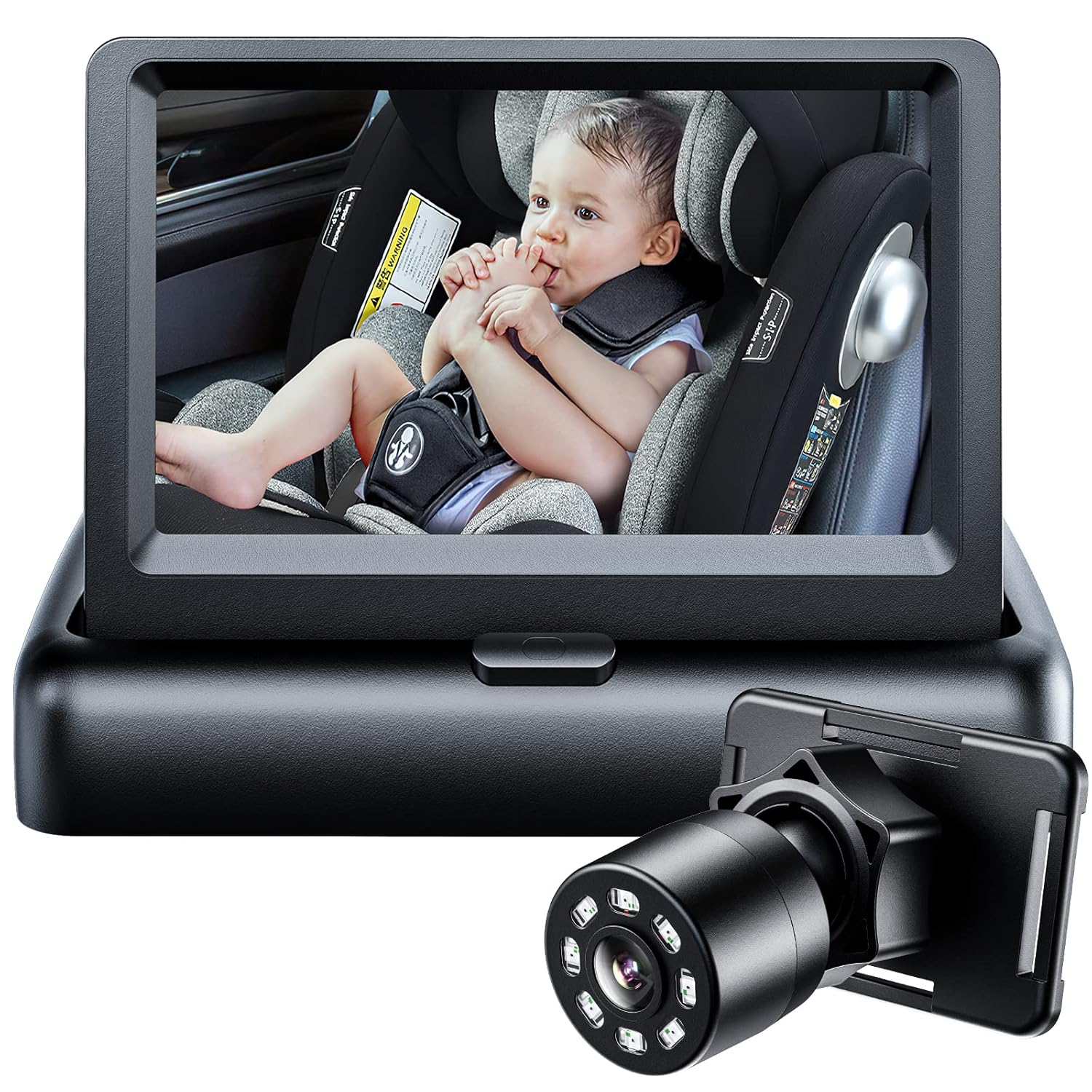
Premium Mirror
Check PriceItomoro Baby Car Mirror Advanced in-car baby monitoring with night vision. See your baby clearly day or night.
- Built-in night vision camera
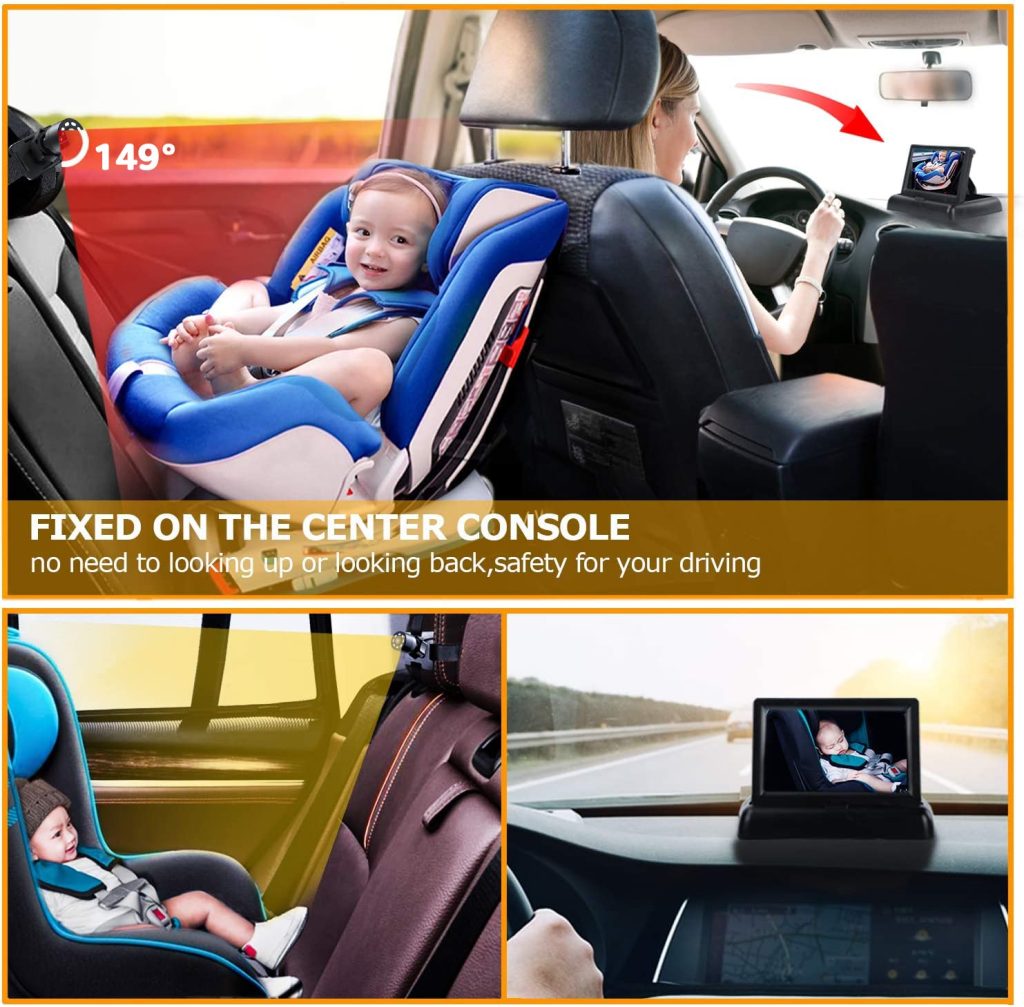
- HD display on your dashboard
- 360-degree adjustable angle
- Works with all car seat types
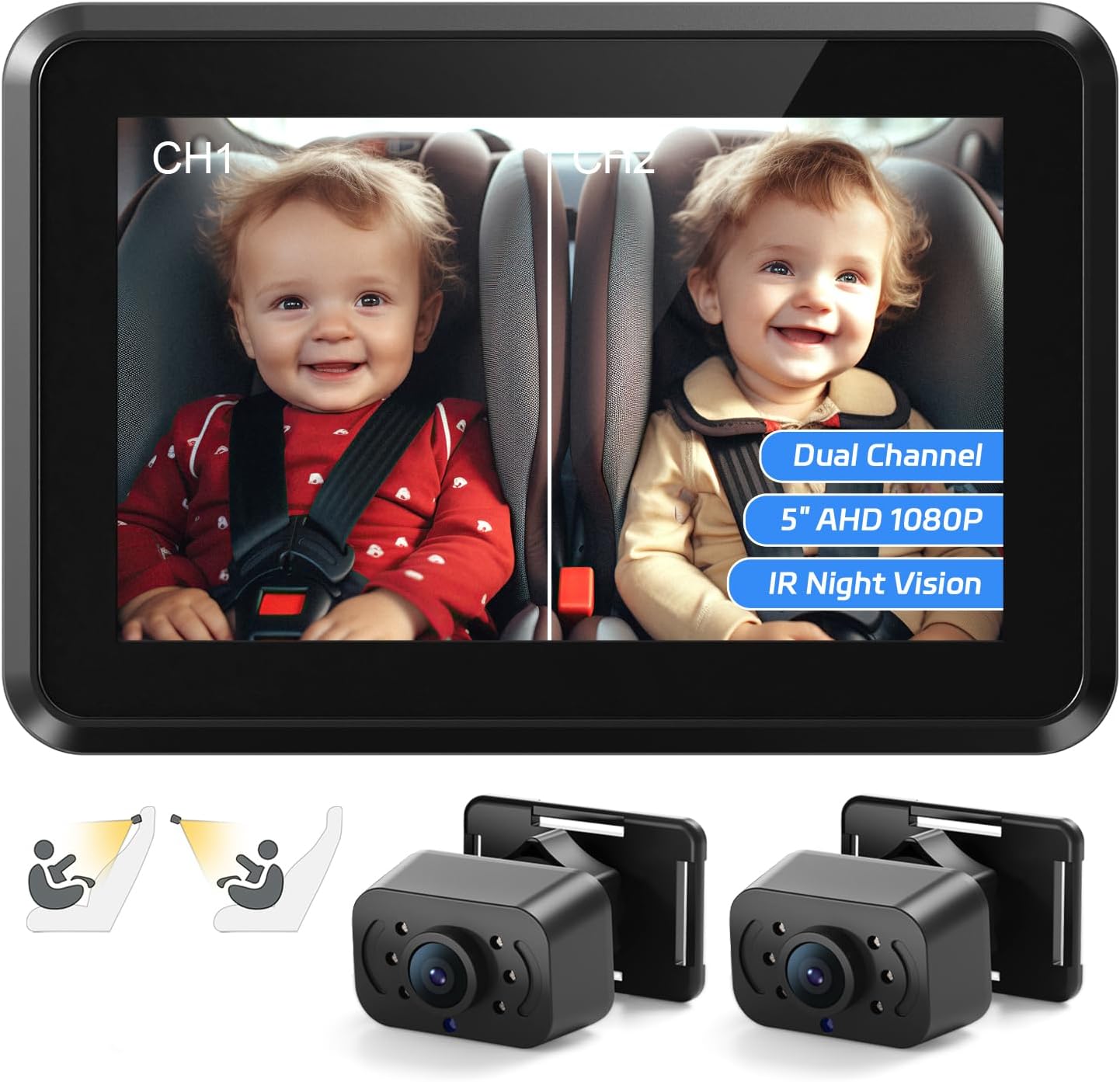
HD Dual Channel Mirror
Check PriceItomoro Baby Car Mirror Monitor one or two kids with dual-channel HD. The most complete baby visibility mirror.
- Dual camera for multiple kids
- HD resolution day and night
- Wide 150-degree viewing angle
- Split-screen display option
Built for Daily Driving
Every detail of the Itomoro Baby Car Mirror is designed for parents.
| Mirror Dimensions | 11.5" x 7.5" wide-angle convex surface |
| Mirror Material | Shatterproof acrylic with anti-glare coating |
| Mount Type | Dual-strap adjustable headrest mount |
| Pivot Joint | 360° ball-and-socket swivel joint |
| Night Vision | Available on Premium and Deluxe models |
| Compatibility | Fits all rear-facing car seats and headrest types |
| Vehicle Fit | Cars, SUVs, trucks, minivans -universal fit |
| Product Weight | Lightweight -under 12 oz for easy install |
| Crash Tested | Shatterproof surface rated for impact safety |
| Warranty | Manufacturer warranty included |
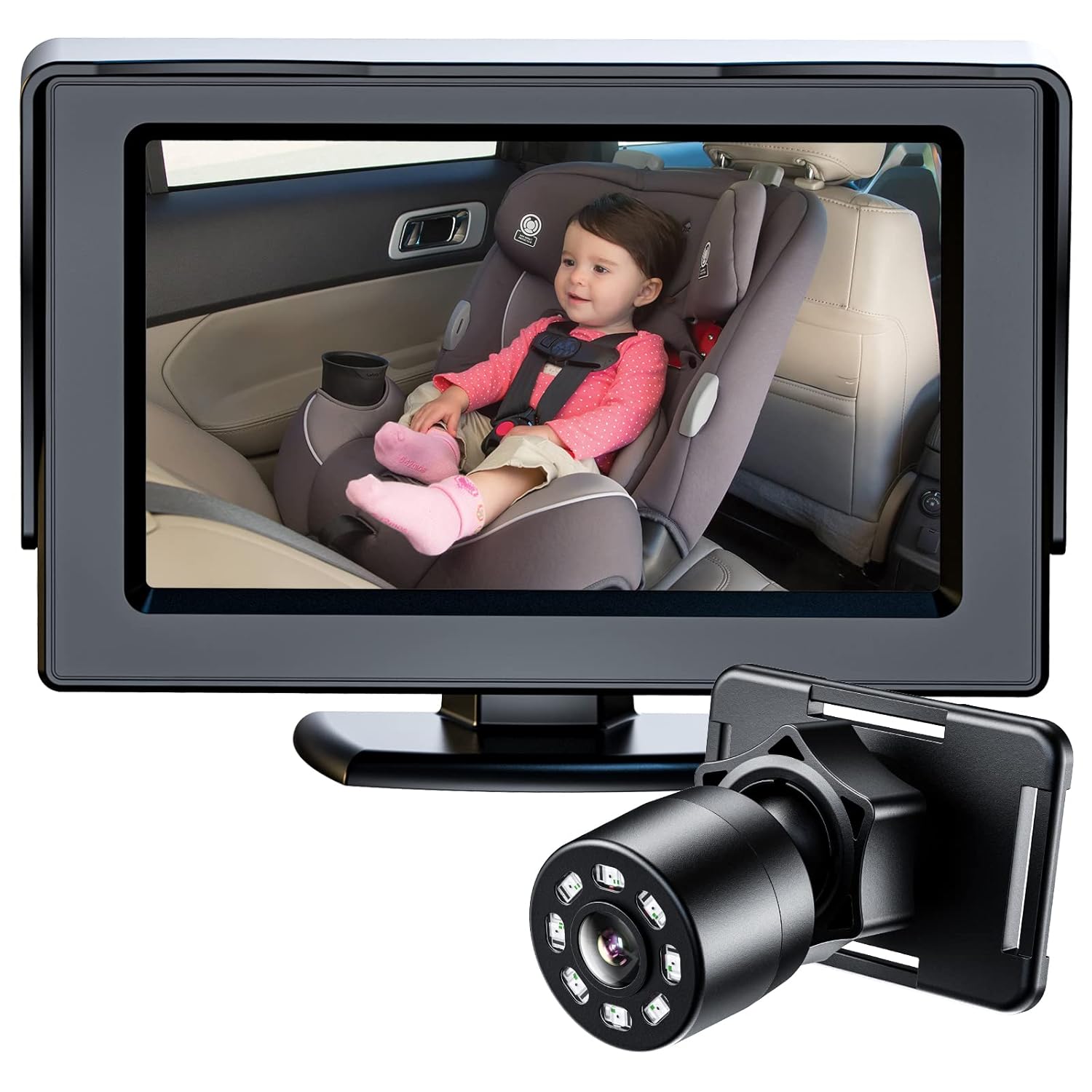
Itomoro: Because every parent deserves eyes on their baby.
Itomoro started with one goal: help parents see their rear-facing babies without turning around. Every mirror we build serves that mission.
We use shatterproof glass, secure mounting hardware, and wide-angle optics. Each infant car mirror passes strict safety testing before shipping.
Questions about your mirror? Our support team responds within 24 hours. Your purchase includes a hassle-free warranty for total peace of mind.
See Your Baby Clearly on Every Drive
Join thousands of parents who drive with confidence. The Itomoro Baby Car Mirror gives you a clear, instant view of your rear-facing infant.
Shop Itomoro Mirrors Now →Why Parents Pick Itomoro
Here's why the Itomoro Baby Car Mirror is the go-to choice for families with rear-facing car seats.
Crystal-Clear HD View
The convex acrylic surface delivers a wide, distortion-free view of your baby's face. You'll see expressions, movement, and whether they're asleep -all from a quick rearview mirror glance. No squinting, no guessing.
Night Vision That Works
Premium and Deluxe models include a built-in night vision feature so you can check on your baby during evening drives. Other mirrors go dark after sunset. The Itomoro baby car mirror night vision keeps your view clear without waking your child.
Installs in 2 Minutes Flat
No tools, no complicated brackets. The dual-strap system wraps around any headrest and locks into place. Parents say installation takes under two minutes -and you can move it between vehicles just as fast.
Shatterproof Safety Glass
Your baby sits right behind this mirror. That's why the Itomoro uses crash-tested shatterproof acrylic instead of glass. In a sudden stop or accident, the mirror surface stays intact. Safety isn't optional -it's the whole point.
Stays Put on Rough Roads
The 360-degree ball joint holds its angle tight. Potholes, speed bumps, gravel roads -the mirror doesn't drift or vibrate loose. Set it once and forget about readjusting every drive.
Fits Every Car and Seat
Works with all rear-facing car seats in sedans, SUVs, trucks, and minivans. Whether you drive a compact Toyota or a full-size Chevy Suburban, the universal headrest mount adapts to fit. No compatibility worries.
Get the Most From Your Itomoro Baby Car Mirror
Follow this guide to install, position, and maintain your baby car mirror for the best rear-facing seat visibility.
Install & Position
- Mount mirror to rear headrest
- Adjust 360° angle to baby's face
- Test view from driver's seat
- Tighten straps for vibration-free hold
Fine-Tune Your Setup
- Re-check angle after car seat adjustments
- Test visibility at night (Premium model)
- Clean mirror surface with soft cloth
- Confirm mirror stays stable on highways
Optimize Visibility
- Adjust for seasonal sun glare angles
- Reposition if baby's car seat changes
- Check strap tension monthly
- Wipe mirror to maintain HD clarity
Long-Term Care
- Quick-clean with microfiber cloth weekly
- Inspect straps for wear every 3 months
- Re-angle as your baby grows taller
- Transfer between vehicles in seconds
Key Benefits & Use Cases
Discover all the ways this product can work for you.
Solo Driving With Baby
When you're the only adult in the car, a quick glance at the rearview mirror shows your baby's face instantly. No turning around, no pulling over.
Night Drives
The night vision feature on Premium and Deluxe models lets you monitor your infant clearly after dark without interior lights disturbing their sleep.
Long Road Trips
Hours on the highway with a rear-facing infant? The wide-angle mirror gives you continuous visibility so you can focus on driving, not worrying.
Multiple Children
The Deluxe model's wide field of view lets you see more than one child in the back seat, perfect for families with kids in adjacent car seats.
New Parent Peace of Mind
First-time parents get real-time visual confirmation that baby is safe, breathing, and comfortable. It replaces anxiety with a simple mirror check.
Vehicle Transfers
Easily move your Itomoro mirror between your car, your partner's car, or grandma's SUV. The strap mount fits any headrest without tools.
What Parents Are Saying
"Finally I can see my baby without turning around. The wide-angle view is so clear. Totally worth it!"
"Night vision works great on evening drives. I can see my daughter clearly even in a dark car. Setup took two minutes."
"Sturdy mount that doesn't vibrate on bumpy roads. Good rear-facing mirror for the price. Fits our Toyota perfectly."
Why Choose Itomoro?
See how we stack up against typical baby car mirrors
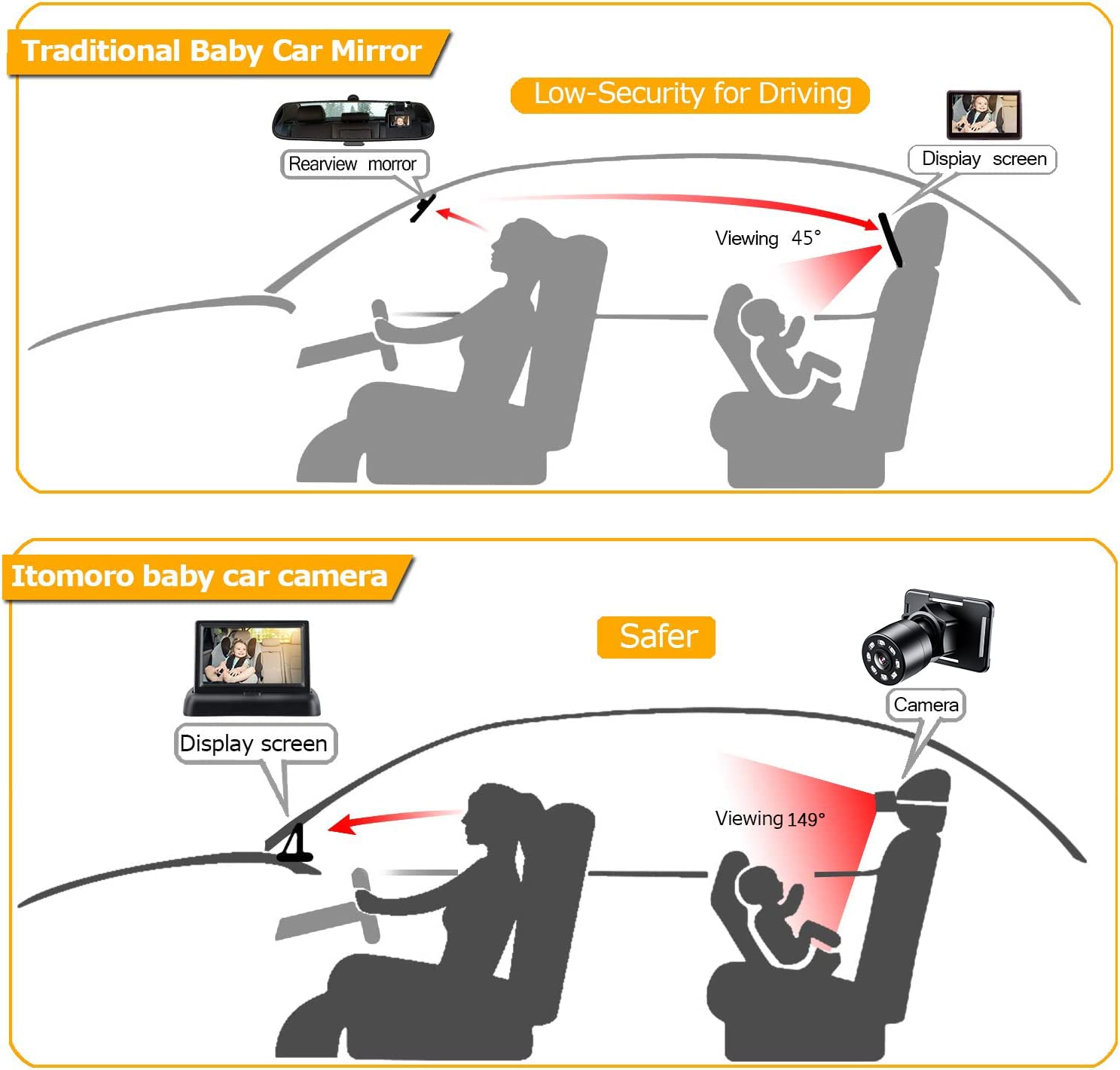
| Feature | Itomoro Baby Car Mirror | Typical Product |
|---|---|---|
| Night Vision | ✓ HD Night Vision | No Night Vision |
| Mirror Clarity | ✓ Crystal-Clear HD | Standard Glass |
| Rotation Range | ✓ 360° Adjustable | Limited Angles |
| Installation Time | ✓ Under 2 Minutes | 10+ Minutes |
| Shatter Resistance | ✓ Shatter-Proof | Regular Glass |
| Car Compatibility | ✓ Universal Fit | Limited Models |
Itomoro FAQ
Everything you need to know about Itomoro baby car mirror, from setup and features to care and warranty.
How do I install the Itomoro Baby Car Mirror step by step?
Installation takes under 2 minutes. Attach the adjustable straps to your rear headrest, tighten until secure, then angle the mirror so you can see your baby from the driver's seat. No tools required -the universal fit works with virtually every car headrest.
Does the Itomoro baby car mirror night vision actually work?
Yes. The HD dual-channel night vision gives you a clear view of your baby even in complete darkness. You'll see your little one clearly during nighttime drives without any distracting cabin lights.
Will this baby car mirror work with a rear-facing car seat?
Absolutely. The Itomoro mirror is specifically designed for rear-facing infant car seats. The 360-degree rotation lets you find the perfect viewing angle regardless of where the car seat is positioned in the back row.
What size is the Itomoro Baby Car Mirror?
The mirror provides a wide-angle view large enough to see your baby clearly without being so big that it blocks your rear window visibility. It mounts directly to the back seat headrest and stays out of the way.
Is the Itomoro mirror shatter-proof and safe?
Yes. The mirror uses shatter-proof acrylic glass, so it won't break into sharp pieces during sudden stops or minor collisions. It's crash-tested to stay securely mounted on the headrest even under impact.
How much does the Itomoro Baby Car Mirror weigh?
The mirror is lightweight at under 1 lb, so it won't weigh down your headrest or shift position while driving. Despite the low weight, the construction is solid and holds its angle on bumpy roads.
What materials is the Itomoro mirror made from?
The frame is made from durable ABS plastic with reinforced mounting straps. The mirror surface is shatter-proof acrylic that delivers crystal-clear HD reflection without the safety risks of traditional glass.
Does the night vision feature need batteries or a power source?
The Premium and Deluxe models with night vision use a rechargeable battery or USB connection for power. A single charge lasts through multiple drives, and the USB cable lets you keep it powered from your car's port during longer trips.